 Car Transport Connection
From shipping quote to paid booking
Strategy
- Auto transport websites
- Online quoting
- Online payments
- Dispatch tools
A nationwide broker connects shippers and carriers
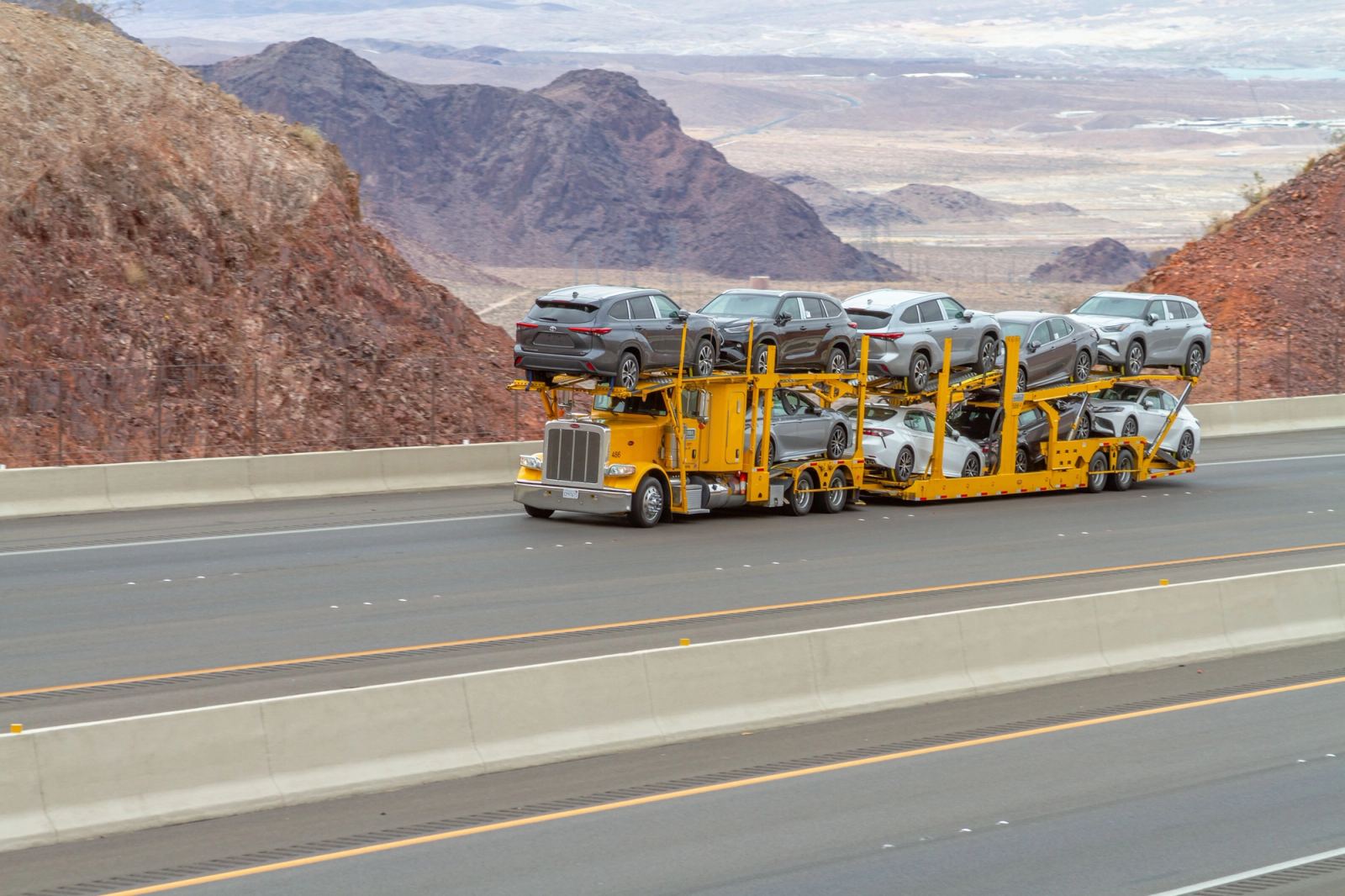
Car Transport Connection is a nationwide auto transport broker. A customer who wants to ship a car needs a price. To arrange the move, a dispatcher needs to put the job in front of carriers. We built a site where a customer can get a quote and pay the booking fee, and a dispatcher can pick up the paid job.
Dispatchers typed paid jobs in again
A quote started with a form, correspondence sat in inboxes and carriers looked for work on a separate load board. Customers had no way to pay the booking fee as part of getting their quote. Once the fee came in, a dispatcher still had to type the job onto the board. The broker wanted quoting under its own name, with accounts for customers and dispatchers.
An instant quote leads straight to checkout
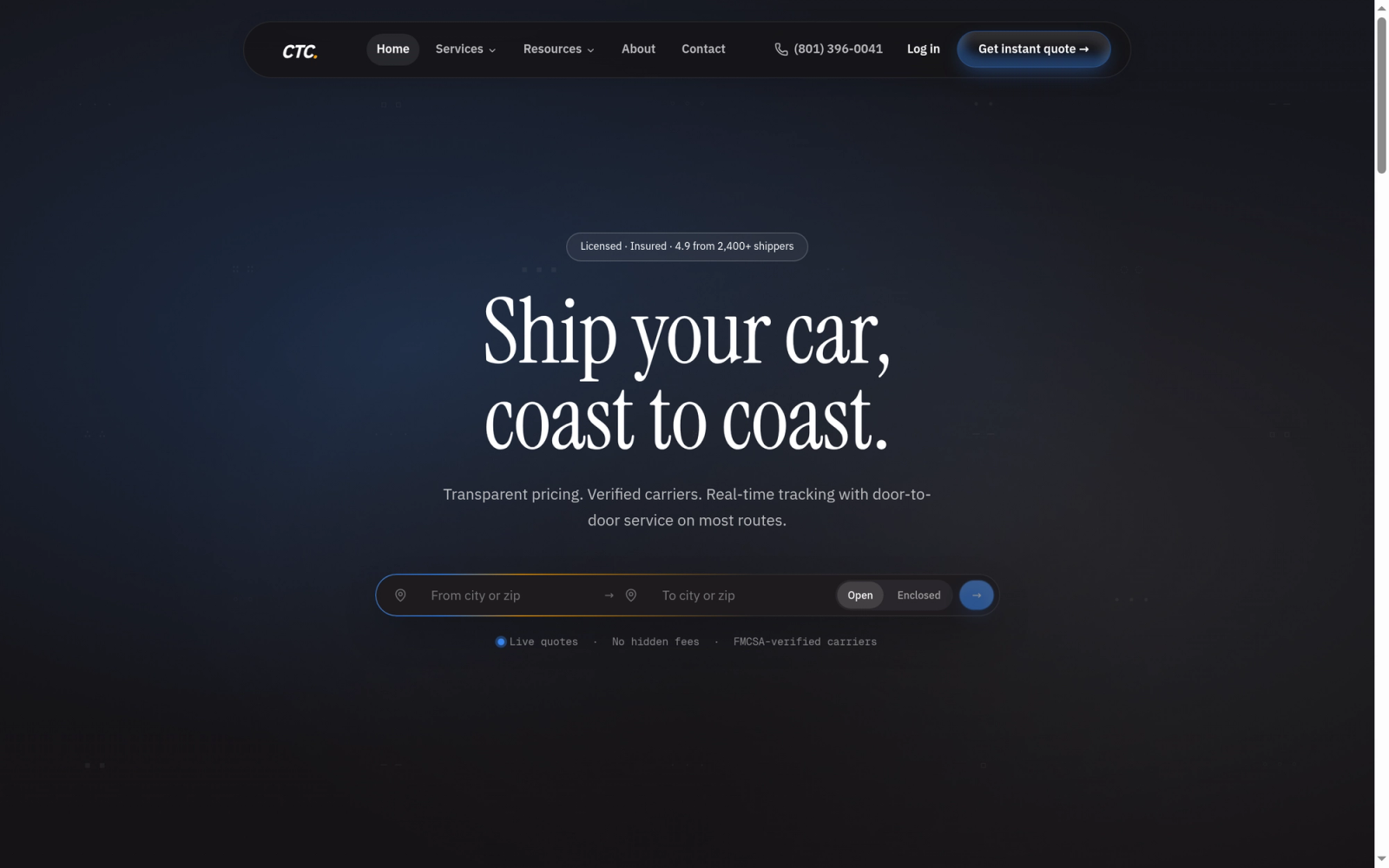
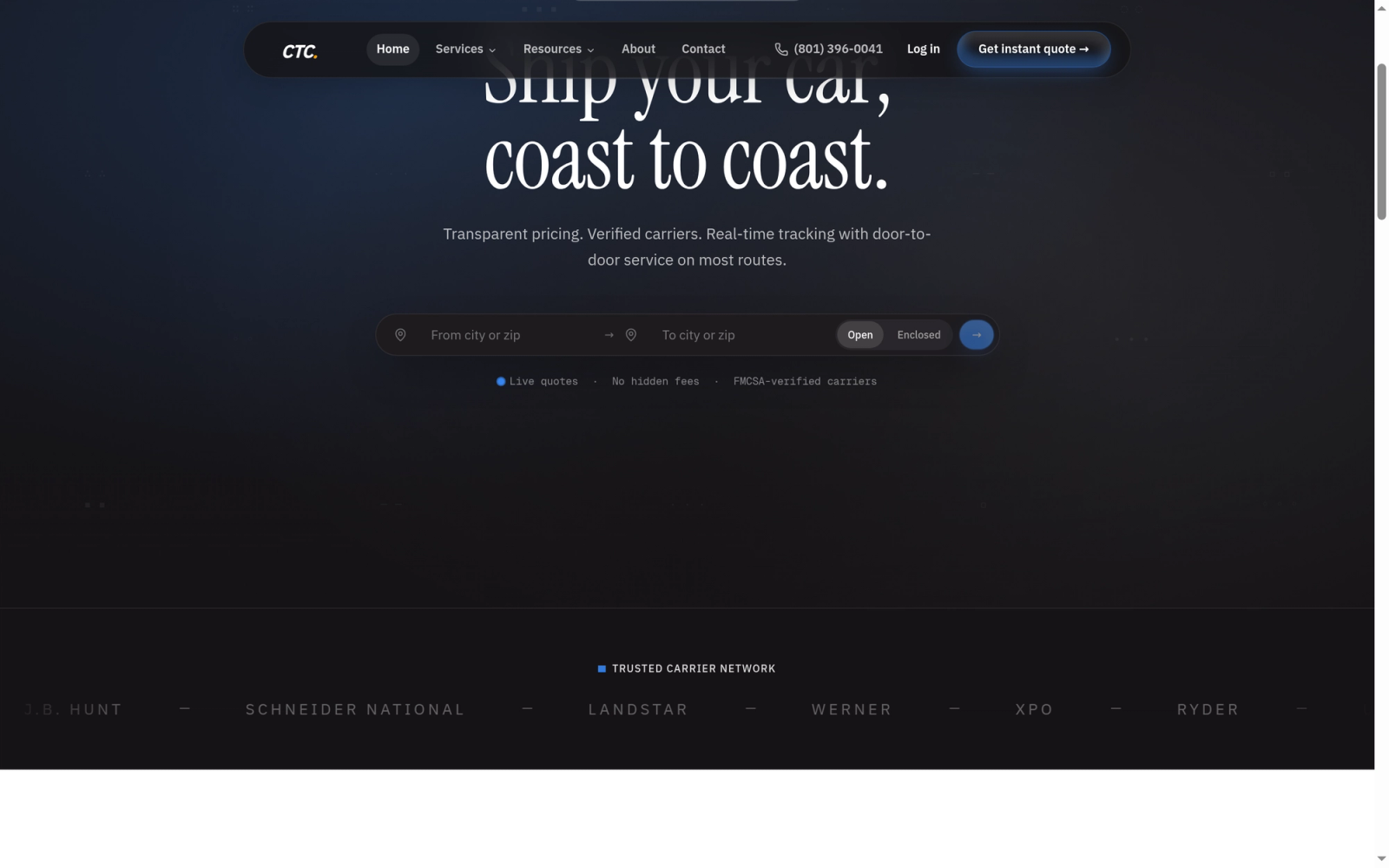
On the broker’s website, a shipper can get an instant quote for a move. If the price works for them, they can go straight to checkout and pay the booking fee. The dispatcher has a list of paid bookings. From that list, they can post the job to the load board, where carriers look for vehicles to transport. The details carry over from the booking.
What goes into a car shipping quote?
Two shipments over the same distance can cost different amounts. The price depends on the season, the route, the number of cars and whether the carrier is open or enclosed. The pricing data came from 4,956 past bookings. Some bookings covered more than one vehicle. We used 4,199 records to teach the system how to price a move. On 1,050 records set aside for testing, its estimates differed from the recorded final prices by about $148 on average in either direction. The test did not give a separate error for summer moves or less common routes.
A paid booking is ready to post
In manual checks during development, getting a quote took about 5 to 10 seconds. A shipper can then pay the booking fee on the same site. A dispatcher can post the paid job without entering the details again. The available records give no count of paid website bookings or time saved by dispatchers.
The tools behind it, for technical readers
We used Python to clean the broker’s past shipment records and trained XGBoost on the pricing data. The Next.js quote form requests a price from a FastAPI service hosted on Railway. Prisma handles the quote and booking records, and Stripe collects the booking fee at checkout. Super Dispatch is the load board where dispatchers post a load from the paid booking.
Once the booking fee is paid, a dispatcher can post the job without retyping it.